A little world time.
Keep up to four timezones beside your clock. Stay close to people far away.
A LITTLE CASTLE. ALL YOUR OWN.
Expressive widgets. Beautiful desk clocks.
Little moments, made yours.


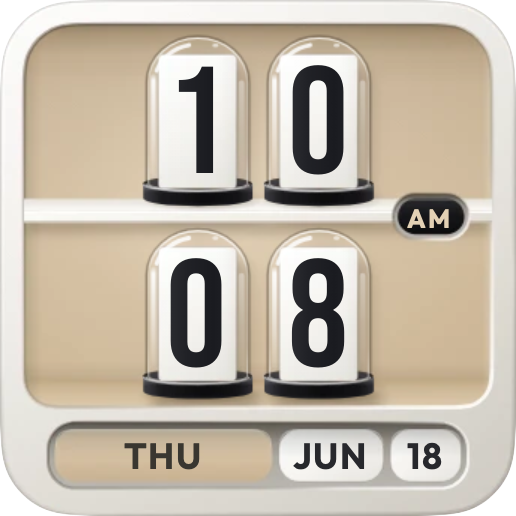
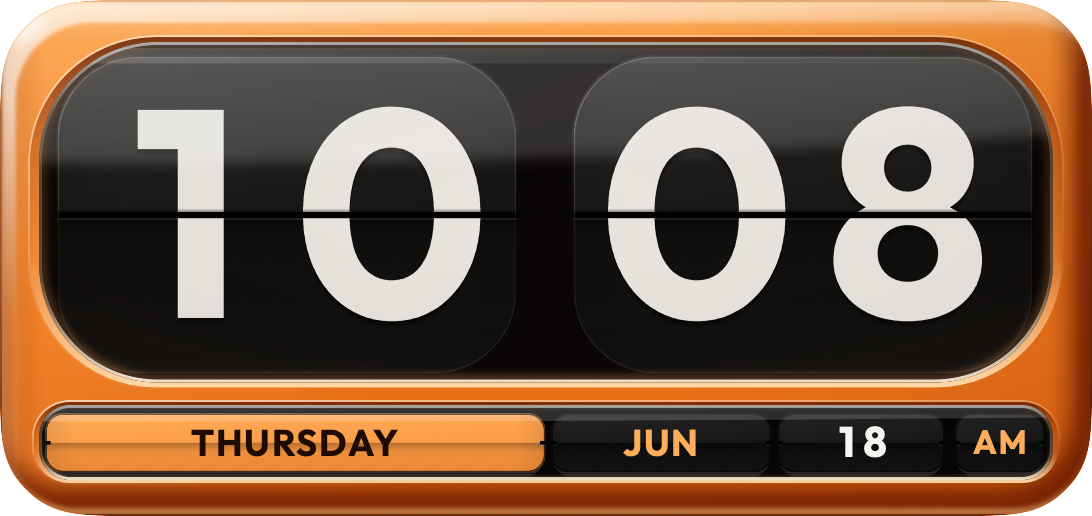
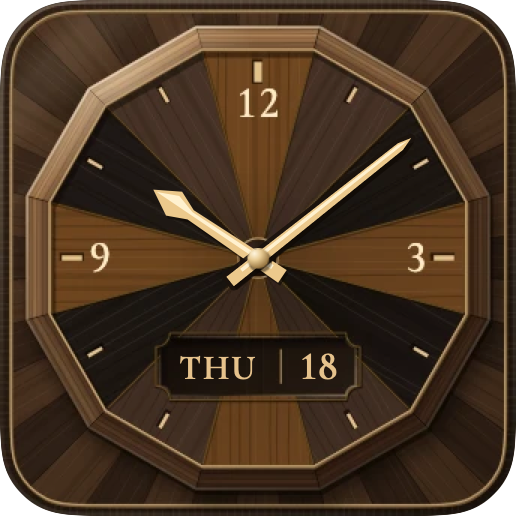
01 / LITTLE OBJECTS. LOTS OF PERSONALITY.
Warm wood or cool glass. A quiet dial or a little glow.
There’s a Castle for every corner of your day.
Sixty places, each in its own light.
ACTUAL APP ARTWORK · TAP TO TAKE A CLOSER LOOKA LITTLE CLOSER TO EVERYWHERE.
From Tokyo’s quiet waterfront to a New York evening. Each city keeps its own time, with sun, moon and seasons calculated right on your device.
 A place you love. A glance away.
02 / MAKE A LITTLE ROOM FOR TIME.
Give your desk a clock with presence.
Fullscreen layouts made for a longer look.
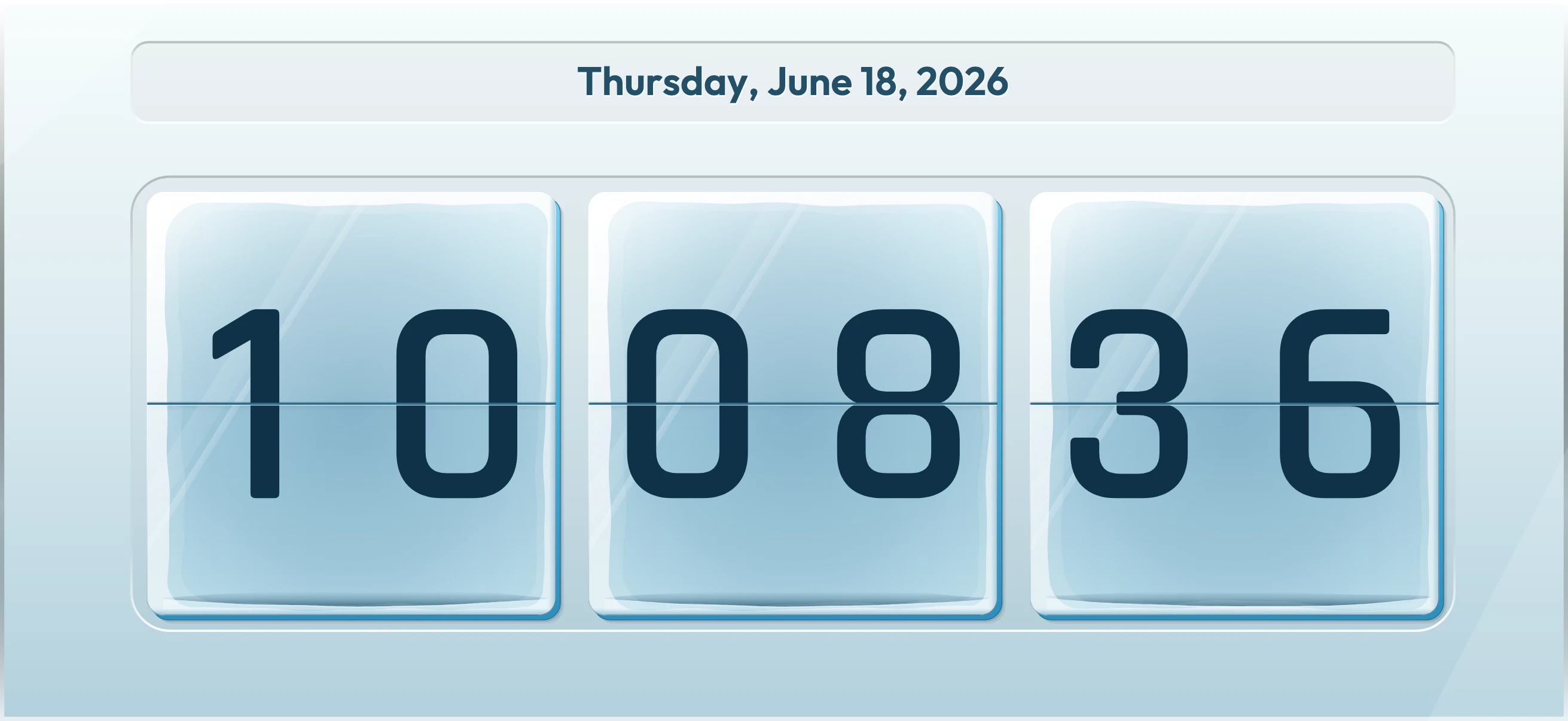
Keep up to four timezones beside your clock. Stay close to people far away.
Choose your date, seconds and 12- or 24-hour time. Let the clock find its balance.
Keep the screen awake, dim it at night or choose a gentler red night mode.
03 / GOOD COMPANY FOR THE EVERYDAY.
A timer for the little things. A stopwatch for the next lap. A focus session with room to breathe.
Set your own focus and break lengths in the app. One thing at a time.
A SMALL INTERACTIVE TASTE.THOUGHTFUL, DOWN TO THE LITTLE THINGS.
Made to belong, wherever you keep it.
Small, medium and generous widget layouts, shaped for the space you choose. Select a design in the app, then add your widget with your device’s widget gallery.
Fifty compact clock and calendar designs: Hinge is free, and Pro opens the rest. A little detail that works with your wallpaper.
Turn your charging iPhone on its side for a bedside or desk companion. StandBy is available on iPhone.
Search the collection, save favorites and find a matching wallpaper. Make a place that feels like you.
Goals widgets count the days to a trip, a launch or payday, one mark for each. Bin day knows which bins go out, and when.
On a Mac, click the notch or rest the pointer on it: your clocks, calendar, reminders, notes and favorite shortcuts, right where you look.
PERSONAL SHOULD STAY PERSONAL.
No account. No ads. No tracking. Clock faces and widgets work offline, with your choices kept on your device.
A FEW LITTLE ANSWERS.
On iPhone, iPad and Mac. Enjoy widgets and fullscreen desk clocks, with layouts suited to each screen. StandBy is an iPhone feature, and Ticker Panel a Mac one.
Choose your design in Ticker Castle, then open your device’s widget gallery and add Ticker Castle in your preferred size. The app includes step-by-step help.
Yes, if you choose to enable Calendar access. Select the calendars you want to include. Event information is processed on your device, and access is optional.
City scenes follow locally calculated time, sun, moon and seasons. They don’t fetch weather, and choosing a city doesn’t request your location.
Ticker Castle is free to download, with the Classic flip clock, five more Home Screen widgets (the Veridian Nixie clock as a desk clock too), the Time tools and, on a Mac, Ticker Panel in its Halo design. Preview every other design first. Ticker Castle Pro is one purchase that unlocks them all, on every iPhone, iPad and Mac you use with the same Apple Account.
On the App Store, for iPhone, iPad and Mac. Search for Ticker Castle, or use the download badge at the top of this page.
MADE FOR YOUR TIME, YOUR SPACE.